

Strata and commercial
What a good grounds maintenance report includes
By the Action Garden team · Updated · 11 min read
Checked against: Consumer Affairs Victoria, Water Victoria, EPA Victoria
TL;DR
- Every report answers the same four questions, in the same order, so a manager can scan it in under a minute.
- Photos are taken from the same spots each visit and named by area number, so changes over time are easy to see.
- Issues are logged once, given a priority and tracked until closed, instead of being repeated in every report.
- Extras recommended in a report carry a quote reference and wait for written approval before any work.
- Monthly and yearly roll-ups turn visit reports into a record for the AGM, the budget and any complaint.
| Report part | How often | What it contains |
|---|---|---|
| Visit header | Every visit | Site, date, arrival and departure times, crew size and the visit type (routine, extra or call-out). |
| Scope checklist | Every visit | Each numbered area ticked as done, partly done or not done, with a reason for anything missed. |
| Photos | Every visit | Fixed-point photos per area, plus before and after shots of any extra. |
| Issues log | Every visit, updated | New items with a photo and priority; open items carried forward until closed. |
| Extras and approvals | When needed | Recommended work with a quote reference, waiting on written approval. |
| Roll-up summary | Monthly or quarterly, and yearly | Visits made, scope completion, issues opened and closed, extras approved and done. |
What should a grounds maintenance report show?
It should show four things after every visit: when the crew was on site, what was done against the agreed scope, photos of the areas covered, and anything that needs a decision. Everything else is optional.
Those four parts answer the questions a strata manager, facility manager or committee member actually asks: did they come, did they do what we pay for, what does it look like, and is there anything I need to deal with? A report that answers them in the same order every time can be read in under a minute on a phone.
The key facts table at the top of this article sets out each part and how often it appears. The sections below explain how to make each part useful, with a template you can adapt. If you are setting up a new contract, the report format belongs in the scope from day one, as explained in writing a grounds maintenance scope for quotes.
What goes in the visit header?
The header records who, when and what kind of visit, in one block at the top. It is the part that proves attendance, so it should never be left out or filled in from memory later.
A practical header includes:
- Site name and address, and the site or cost centre code if the client uses one.
- Date, arrival time and departure time. Times matter on sites with noise limits or trading hours. EPA Victoria (opens in a new tab)'s residential noise rules prohibit lawn mowers on weekdays before 7 am and after 8 pm, and on weekends and public holidays before 9 am and after 8 pm.
- Visit type: routine, quoted extra, or call-out.
- Crew size, so the time on site makes sense.
- Weather on the day, if it affected the work. Rain explains a lawn left long; a hot north wind explains why planting was moved.
Keep the header in the same position every time. A manager filing reports for several sites should be able to find the date and times without scrolling.
How should the scope checklist be written?
As a list of the numbered areas from the site map, each marked done, partly done or not done, with a short reason for anything that was not completed. It mirrors the scope, line for line.
| Area | Task | Status | Note |
|---|---|---|---|
| 1. Entry lawn | Mow, edge, blow paths | Done | Cut height raised for summer |
| 2. Entry beds | Hand weed, remove litter | Done | |
| 3. Driveway strip | Weed, edge | Partly done | Car parked over the edge, finish next visit |
| 4. Car park islands | Weed, trim plantings, litter | Done | Broken sprinkler head flagged, see issues |
| 5. Rear courtyard | Mow, weed | Not done | Gate locked, manager notified |
A table like this is quick to fill in on site and quick to read in the office. It also makes the monthly roll-up simple, because the completion rate can be counted rather than guessed.
What makes grounds photos worth having?
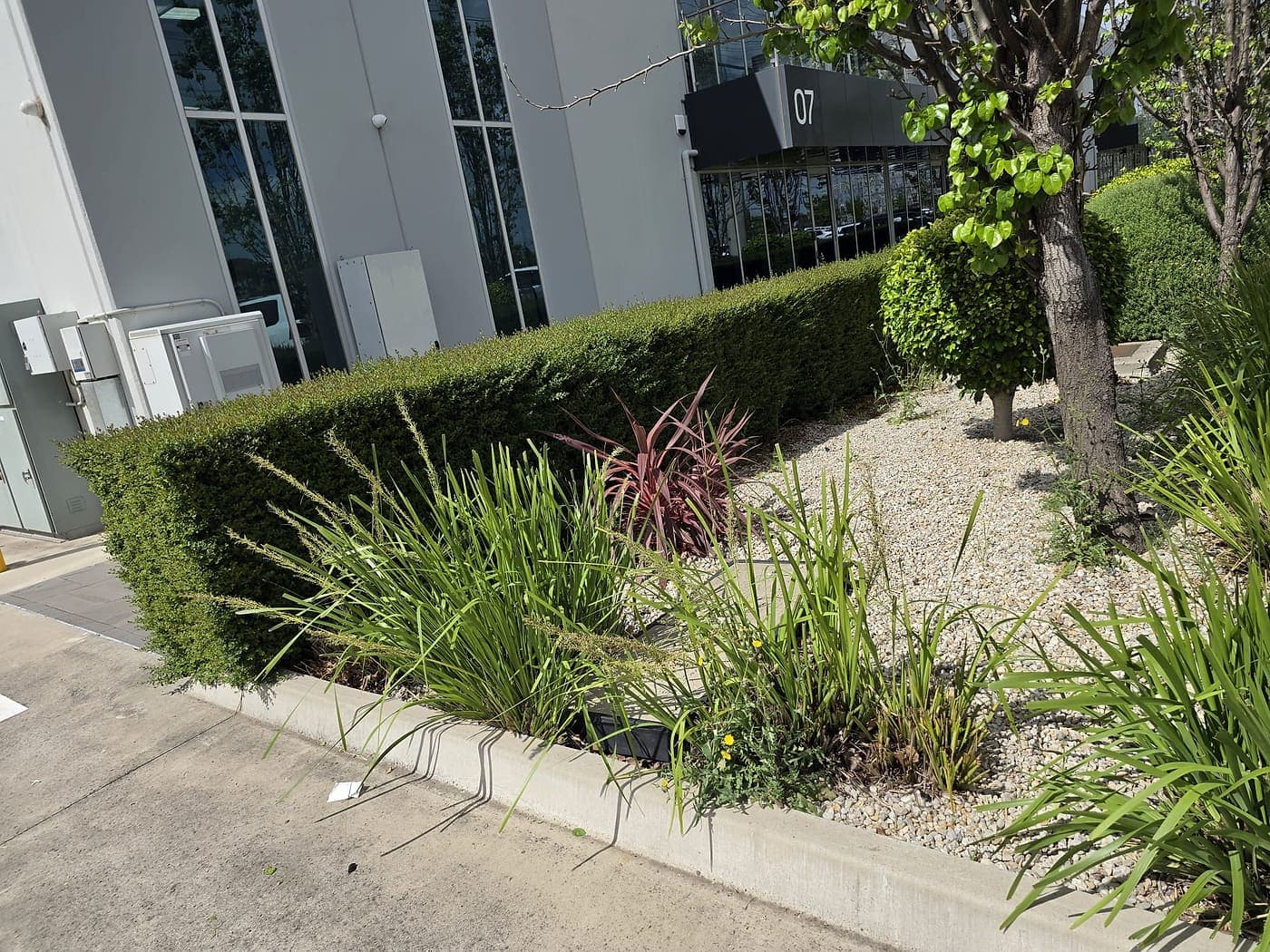
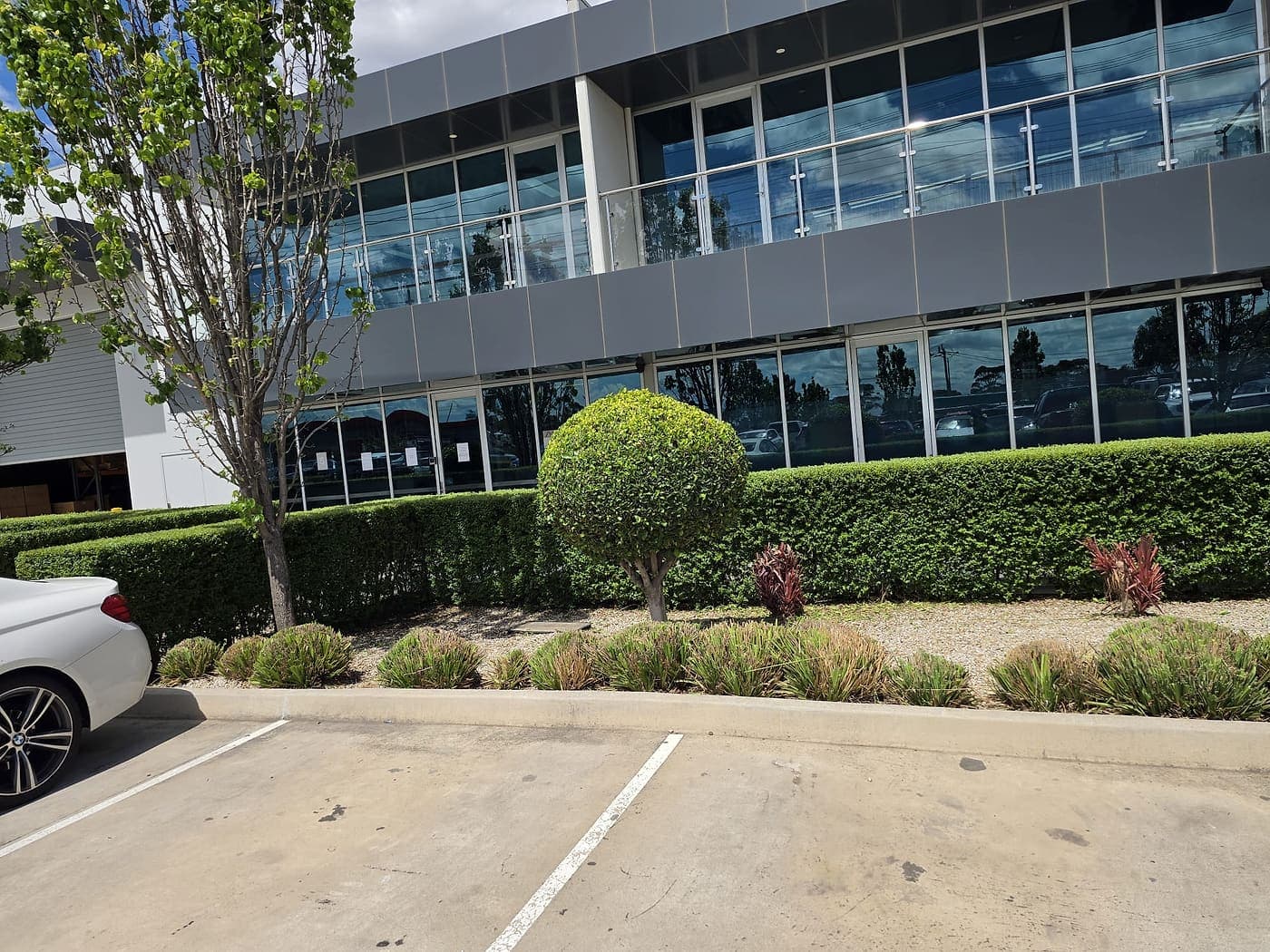
Photos taken from the same fixed points each visit, labelled with the area number and date. A wide view that shows a landmark beats a close-up, because it proves where the photo was taken and shows the whole area.
Good practice for report photos:
- Fix the points. Choose one or two spots per area, mark them on the site map, and shoot from there every visit, at roughly the same framing.
- Shoot after the work, and before where it matters. Routine areas need an after shot. Quoted extras, such as a bed rescue or a mulch top-up, need a before and an after from the same spot.
- Label by area. "Area 4, car park islands" is easier to file than a camera file name.
- Leave people out. Avoid residents, staff, children and number plates. On commercial sites, ask whether signage may appear in photos for the client's own use.
- Add a close-up only for an issue. A cracked path, a leaking sprinkler or a dead shrub needs its own photo, attached to the issue log.
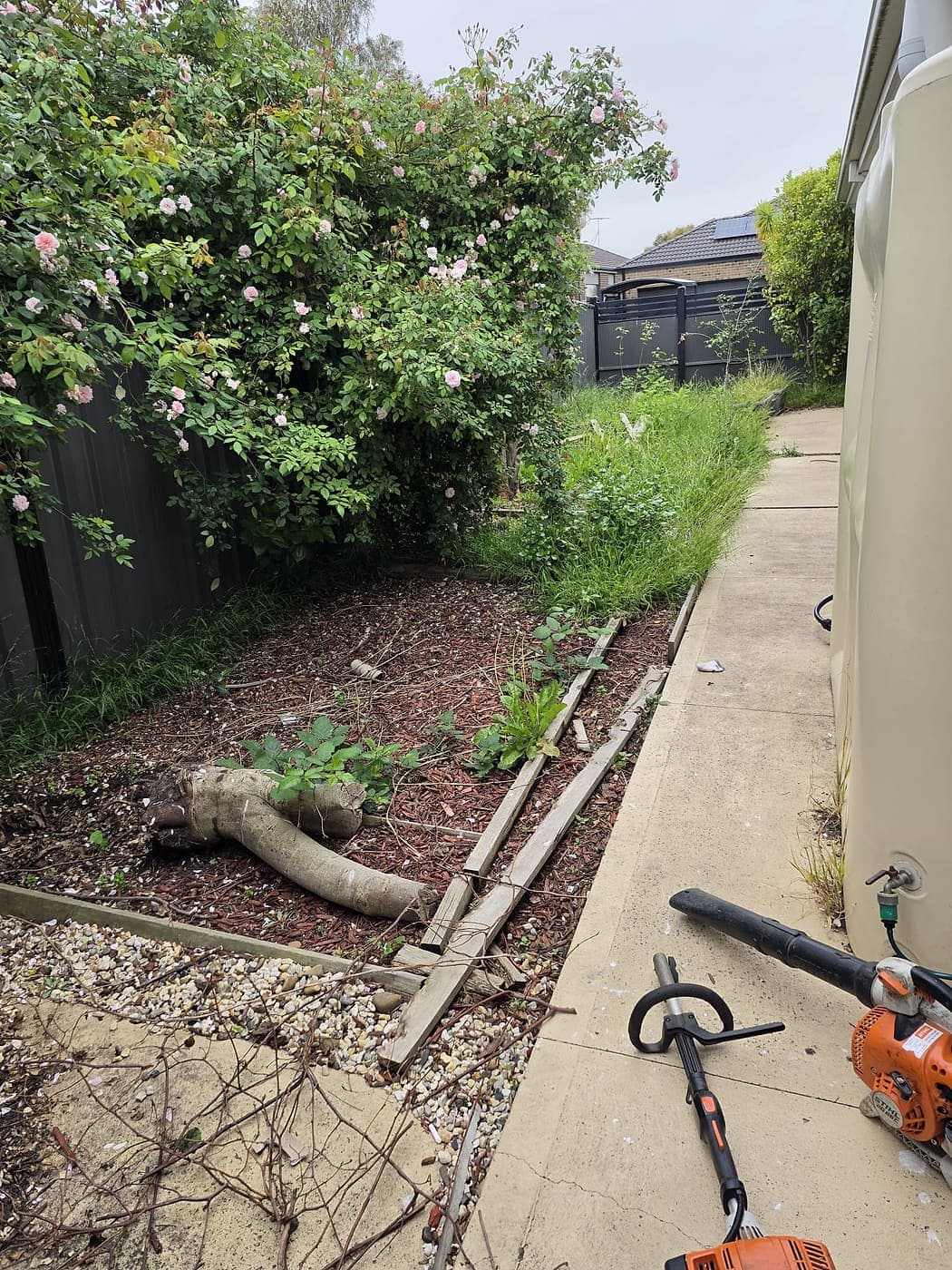
Fixed-point photos build into a record over months. Laid side by side, they show whether a bed is filling in, whether a lawn is thinning under a tree, or whether a weed problem is spreading, long before anyone writes a complaint.
Photo files, sizes and storage
Photos sent at full resolution make reports slow to open on a phone and fill mailboxes. A report version at a moderate size is enough for a manager to see what was done, while the contractor keeps the originals in case a full-size image is needed for an insurance claim or dispute.
Store reports by site and month, with file names that start with the date, so they sort in order. If the client uses a property management system, ask whether reports can be uploaded there directly instead of sitting in email.
How should issues and hazards be logged?
Once, with a photo, a short description, a priority and a status, and then carried forward on each report until it is closed. Repeating the same issue as new text every visit buries it.
A simple issues log looks like this:
| No. | Area | Issue | Priority | Status |
|---|---|---|---|---|
| 14 | 4. Car park islands | Sprinkler head snapped, water running to the kerb | High | Reported, awaiting plumber |
| 15 | 2. Entry beds | Two shrubs dead after summer | Low | Quote sent for replacement |
| 16 | 1. Entry lawn | Root lifting path edge near the gate, trip hazard | High | Coned off, manager notified |
| 11 | 5. Rear courtyard | Moss on shaded paving | Low | Closed, cleaned on extra visit |
Priority keeps the manager's attention on what matters. A practical scale is high for safety hazards and anything causing damage or water waste, medium for problems that will worsen if left, and low for presentation items.
Some issues sit outside the grounds crew's job but are still worth logging because the crew sees them first: a damaged fence, dumped rubbish, a blocked drain pit, graffiti, or an irrigation timer running outside the hours allowed under Victoria's permanent water saving rules (opens in a new tab), which limit watering systems to between 6pm and 10am.
Some issues found on a grounds visit need a specialist, not the grounds crew. Report them, keep people clear where needed, and leave the fix to the right trade: leaning trees or hanging branches (tree specialists), damaged electrical fittings or exposed cables (an electrician), a smell of gas near the gas supply (the gas distributor's emergency line), suspected asbestos in old fences or sheds (a licensed asbestos assessor or removalist), and burst water mains (the water retailer).
How should recommended extras be shown?
As a separate list at the end of the report, each with a short reason, a photo and a quote reference, clearly marked as awaiting approval. Extras should never be mixed into the work-done checklist, or the manager cannot tell routine work from new charges.
The usual flow is:
- The crew notes the extra on the report, with a photo.
- A quote follows with a reference number.
- The manager or committee approves it in writing, under the client's usual process.
- The extra is scheduled, done and shown on that visit's report with before and after photos.
Typical extras on a grounds report include replacing dead plants, rescuing an overgrown bed, a mulch top-up before summer, a hedge reshape, gutter cleaning on low buildings, and pressure cleaning a stained entry. A bed that has gone wild needs more than routine weeding, and our guide to rescuing an overgrown garden explains what that work involves.
What should the monthly and yearly summary include?
A roll-up of the visit reports: visits made against visits scheduled, scope completion by area, issues opened and closed, extras approved and completed, and anything planned for the next period. It turns a pile of reports into one page a committee or owner can read.
For an owners corporation, the yearly summary has a natural home. Consumer Affairs Victoria (opens in a new tab) says the owners corporation should review whether maintenance was effective and report on it at the annual general meeting, even if it has no maintenance plan, and recommends keeping records of surveys, inspections and work. Owners corporations with a maintenance plan must report on its implementation at each AGM.
A useful yearly summary for the gardens covers:
- visits made and any missed, with reasons;
- the seasonal extras done, such as mulching, hedge trims and pruning;
- plant losses and replacements, and what caused them;
- open issues the committee needs to decide on;
- recommendations for next year's budget, such as replacing a failing bed or adding a weed programme.
Reports and complaints
When a resident or tenant complains about the grounds, reports are the first thing the manager reaches for. Consumer Affairs Victoria sets out an internal complaints process for owners corporations, and complaint records must be kept for seven years.
Dated photos and a scope checklist let the manager answer quickly and specifically: the area was done on this date, here is the photo, and here is what is planned. Without them, every complaint becomes one person's memory against another's.
What does an Action Garden visit report look like?
Every commercial and strata plan includes a photo report after each visit, and regular residential plans include a photo update. The report covers the areas visited, so a manager can forward it to an owner, a committee or head office without visiting the site.
Every visit is documented with photos as evidence of the work, and if you want a digital PDF report, the team can prepare a before and after report for you.
A phone screen showing a single report in four stacked cards. The top card holds the date, times and crew. The second card is a checklist of numbered areas with ticks, one half-tick and one cross. The third card is a grid of four photos, each labelled with an area number. The bottom card has two coloured flags: a red flag for a safety issue and an amber flag for a quoted extra awaiting approval. An arrow from the phone points to a folder labelled month summary.
When is it worth asking for a better report?
When you cannot answer a resident's or owner's question about the grounds without visiting the site yourself. If the current reports do not show when the crew came, what they did and what they found, they are not doing their job.
Start by asking the contractor for the four-part structure in this article, fixed-point photos, and an issues log that carries forward. If the grounds themselves have slipped, our guide to weeding garden beds shows what good routine bed care looks like, and the complete guide to garden maintenance in Melbourne covers the work through the seasons.
To see how reports fit a real job, read a commercial grounds job, start to finish, and for sites with customers on the grounds, grounds care for shops, cafes and drive-throughs. Our gardening services page covers what the team does on each visit, the help centre answers common questions, and more articles are in strata and commercial articles.
When you want reports you can rely on, ask for a free quote and the team will walk the site first.
Your Garden. Our Promise.
From our jobs
Frequently asked
How soon after a grounds visit should the report arrive?
Should a grounds report be a PDF, an email or photos by message?
What makes a grounds maintenance photo useful as evidence later?
How should a grounds report deal with something the crew could not do?
How long should an owners corporation keep grounds maintenance reports?
Can a grounds report double as a hazard register for the site?
Should residents or tenants see the grounds reports?
Sources and further reading
- Maintenance surveys, inspections and reviews (Consumer Affairs Victoria)
- Complaint handling and resolving disputes (Consumer Affairs Victoria)
- Owners corporation maintenance plan (Consumer Affairs Victoria)
- Permanent water saving rules (Water Victoria)
- Residential noise (EPA Victoria)
Caring for Melbourne gardens since 2019. Updated 18 November 2026.